Documents Required for Uzbekistan eVisa Application
If you are planning to visit Uzbekistan in 2026, preparing the correct documents before starting you...
Read Article →
Learn how to check Uzbekistan eVisa status online, what application updates mean, and what to do if your visa result is delayed.
Uzbekistan has become one of Central Asia's most attractive travel destinations, welcoming millions of visitors every year. With its historic Silk Road cities, breathtaking architecture, and modern tourism infrastructure, the country continues to attract tourists, business travelers, and cultural explorers from around the world.
To simplify entry procedures, the Government of Uzbekistan introduced the electronic visa (eVisa) system. The online application process allows eligible travelers to apply for a visa without visiting an embassy or consulate.
After submitting an application, one of the most common questions travelers ask is:
"How to check Uzbekistan eVisa status online?"
Monitoring your visa application status is important. This is because it helps you track progress, identify potential issues early, and ensure you receive your approved eVisa before your planned departure date.
This comprehensive guide explains everything you need to know about checking your Uzbekistan eVisa status online, understanding status updates, troubleshooting common problems, and ensuring a smooth travel experience.
An Uzbekistan eVisa is an electronic travel authorization issued online to eligible foreign nationals who wish to visit Uzbekistan for tourism, business, or other approved purposes.
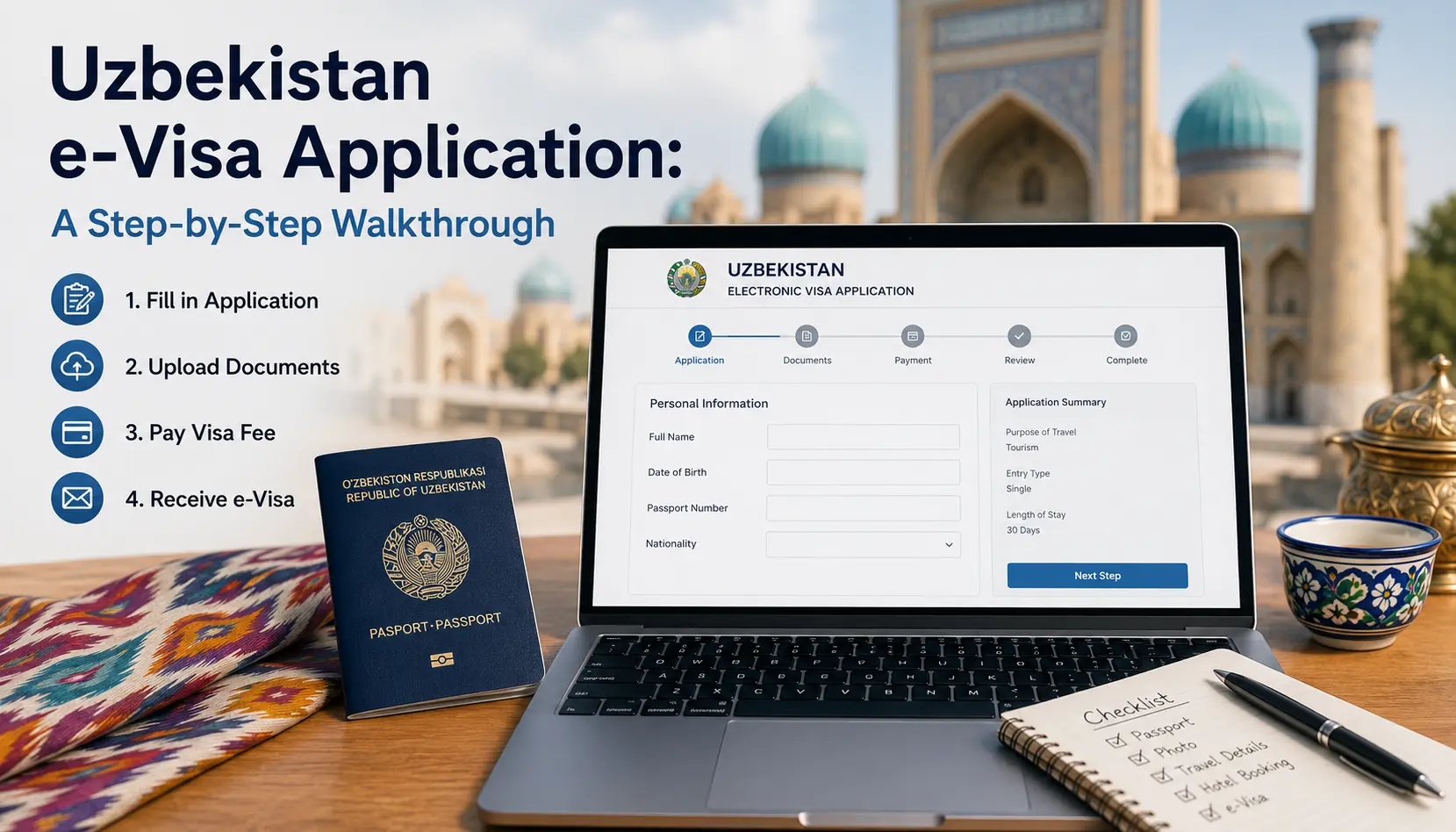
Instead of submitting paper applications at embassies, travelers can complete the entire process online by:
Filling out an application form
Uploading required documents
Paying the visa fee electronically
Receiving the approved visa by email
The Uzbekistan eVisa system has significantly reduced processing times and made travel planning more convenient.
Many travelers submit their application and simply wait for an email notification.
However, checking your visa status regularly offers several advantages:
You can see whether your application is still being reviewed, approved, or requires additional attention.
Checking status helps ensure that you do not discover issues shortly before your flight.
Occasionally, payment issues or document upload errors may delay processing.
Knowing your visa has been approved allows you to finalize accommodation, transportation, and travel arrangements.
If you have already submitted your application, follow these simple steps.
Go to the official Uzbekistan electronic visa platform.
Ensure that you access the legitimate government website to protect your personal information.
On the homepage, look for the option labeled:
Check Application Status
Track Application
Visa Status Inquiry
The exact wording may vary depending on updates to the portal.
You will typically need to provide:
Application ID or Reference Number
Passport Number
Date of Birth
Email Address (in some cases)
Make sure the information matches exactly what was submitted during the application process.
After entering the required information, click the search or status button.
The system will retrieve your application details.
The system will display your current visa processing stage.
Possible statuses include:
Submitted
Under Review
Processing
Approved
Rejected
Additional Information Required
Understanding these statuses helps you know what action, if any, is needed.
This means your application has been successfully received by the system.
At this stage:
Documents have been uploaded
Payment has been received
Review has not yet started
No action is required.
Immigration officers are currently reviewing your application.
During this stage, officials may verify:
Passport validity
Personal information
Travel details
Supporting documents
This is a normal processing phase.
Your application is actively moving through the evaluation system.
Most applications spend several days in this status before a final decision is issued.
Congratulations.
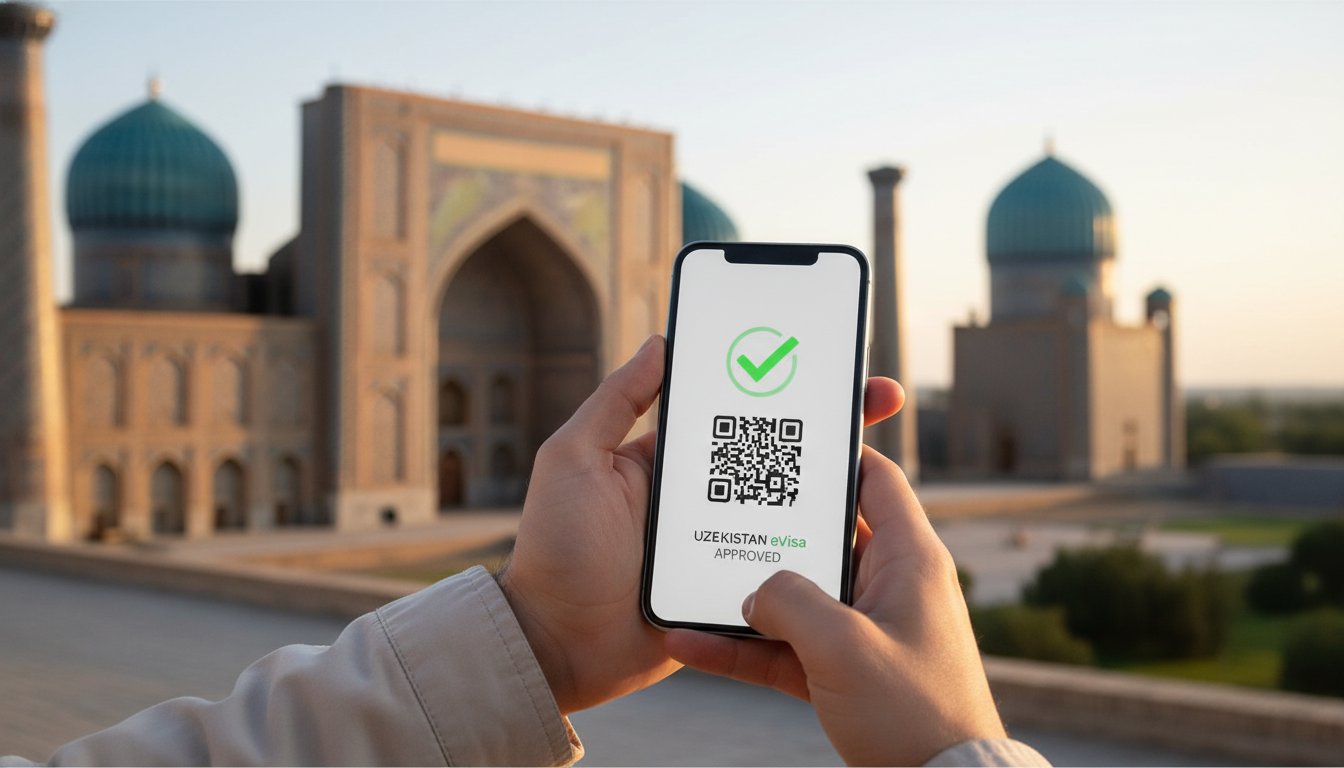
An approved status means your Uzbekistan eVisa has been granted.
You should:
Download the visa PDF
Print a copy
Save a digital backup
Verify all personal information
Always double-check:
Name spelling
Passport number
Visa validity dates
A rejected status indicates that the application was not approved.
Common reasons include:
Incorrect passport information
Invalid travel document
Incomplete application
Security concerns
Poor-quality document uploads
If rejected, review the reason provided and determine whether reapplication is possible.
Sometimes immigration authorities need clarification or updated documents.
You may be asked to provide:
A clearer passport scan
Additional supporting documents
Corrected information
Respond as quickly as possible to avoid delays.
Processing times can vary depending on:
Nationality
Application volume
Public holidays
Accuracy of submitted documents
Most applications are processed within a few business days.
However, travelers should always apply well before their intended travel date.
Many travel experts recommend applying at least:
1–2 weeks before departure
Earlier during peak travel seasons
Sometimes applicants become concerned when the status does not change immediately.
Several factors can contribute to delays.
Peak tourism seasons often increase processing workloads.
Government offices may operate with reduced capacity during national holidays.
Missing or unclear documents can extend review periods.
Occasionally payment confirmation requires additional verification.
Online government platforms sometimes undergo scheduled maintenance.
If the portal cannot locate your application:
Double-check:
Passport number
Application number
Date of birth
Even small typing errors can prevent retrieval.
Review your inbox and spam folder for:
Application receipt
Payment confirmation
Reference number
Recently submitted applications may not appear immediately in the tracking system.
If the problem persists, contact the appropriate support channel and provide:
Application ID
Passport details
Submission date
Although no service can guarantee approval, the following practices help reduce delays.
Ensure your passport remains valid for the required period.
Documents should be:
Clear
Readable
Properly cropped
Free of glare
Before submission, verify:
Name spelling
Passport number
Date of birth
Nationality
Avoid last-minute applications whenever possible.
Technical interruptions during submission can create problems.
Generally, an application or reference number is required to retrieve your status.
Always save your confirmation email after submission.
Checking once every 24–48 hours is usually sufficient.
Status updates may not occur instantly.
Yes.
Most applicants receive an email notification once a decision has been made.
However, checking status manually provides additional reassurance.
After approval:
Download the visa.
Print at least one copy.
Save a digital version on your phone.
Verify all information.
Carry it when traveling.
No.
You should wait until your visa is officially approved before making final travel plans.
In many cases, yes.
You should first identify the reason for rejection and correct any issues before submitting a new application.
Obtaining your eVisa is only one part of your journey.
Travelers should also:
Confirm passport validity
Purchase travel insurance
Reserve accommodations
Keep digital copies of documents
Review local entry requirements
Monitor airline travel advisories
Preparation reduces stress and helps ensure a smooth arrival experience.
Understanding how to check Uzbekistan eVisa status online Is an important step in preparing for your trip. By regularly monitoring your application, verifying submitted information, and responding quickly to any requests for additional documents, you can significantly reduce the risk of travel delays.
The Uzbekistan eVisa system has made visiting this fascinating Central Asian destination easier than ever. Whether you are planning to explore the historic streets of Samarkand, admire the architecture of Bukhara, or discover modern Tashkent, staying informed about your visa status ensures a smoother travel experience from start to finish.
Before departure, always confirm that your visa has been approved, download a copy for your records, and keep all travel documents readily available. With proper preparation, your journey to Uzbekistan can begin with confidence and peace of mind.
Use the Uzbekistan eVisa status check for an existing application. New applicants can review Uzbekistan eVisa online information, follow the Uzbekistan eVisa application guide, and prepare the required documents.
Apply for Uzbekistan eVisa Online after checking eligibility and preparing the required information.
Check country-specific Uzbekistan visa requirements, processing time, and application guidance.